SURPG PvP guide: rules and combat moves
Enable PvP, lock on to an opponent and use your active form’s skills. Combat state controls when you can disengage and whether transforming fully restores your health.
Toggle PvP with P, the HUD button or your assigned controller input. After taking damage, you must go 15 seconds without another hit to leave combat. Transformation fully heals you only with PvP disabled and combat inactive. Use your current skill bindings, wait for cooldowns and time base-form Heavy Stomp to counter Spin Dash.
PvP participation and combat state
Use the PvP HUD button or your assigned PvP input to toggle participation.
| Device or layout | PvP toggle |
|---|---|
| Keyboard | P |
| Update 3 controller | D-Pad Right |
| Version 2.2e Mini controller | L3 |
Custom bindings take precedence over these layouts. Find your assigned input in Menu > Keybinds.
After you take a hit, you cannot leave combat for 15 seconds. Every additional hit restarts that timer, so disengaging requires a full 15-second gap without another hit.
Move directory and skill inputs
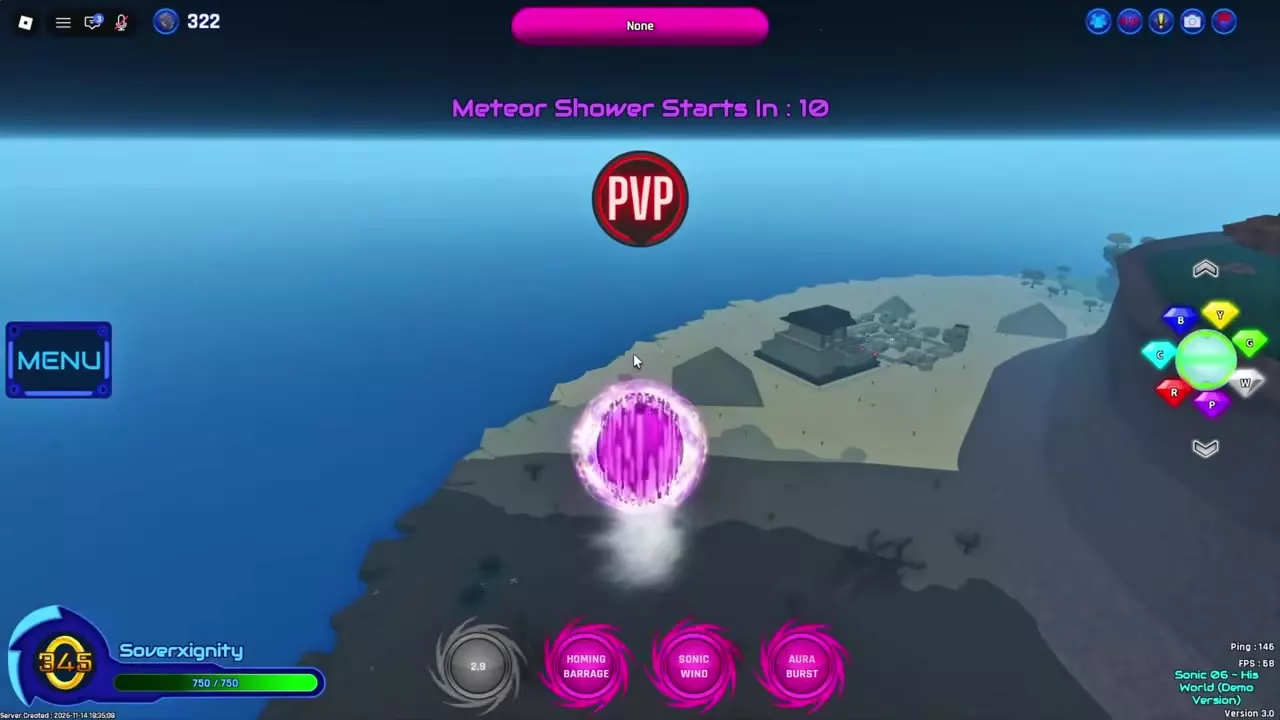
Hyper Form’s PvP skill bar contains Spin Dash, Homing Barrage, Sonic Wind and Aura Burst. Heavy Stomp provides a timed Spin Dash counter in base form.
Enable PvP, then activate the desired skill using the binding for its slot in your active form’s skill bar.
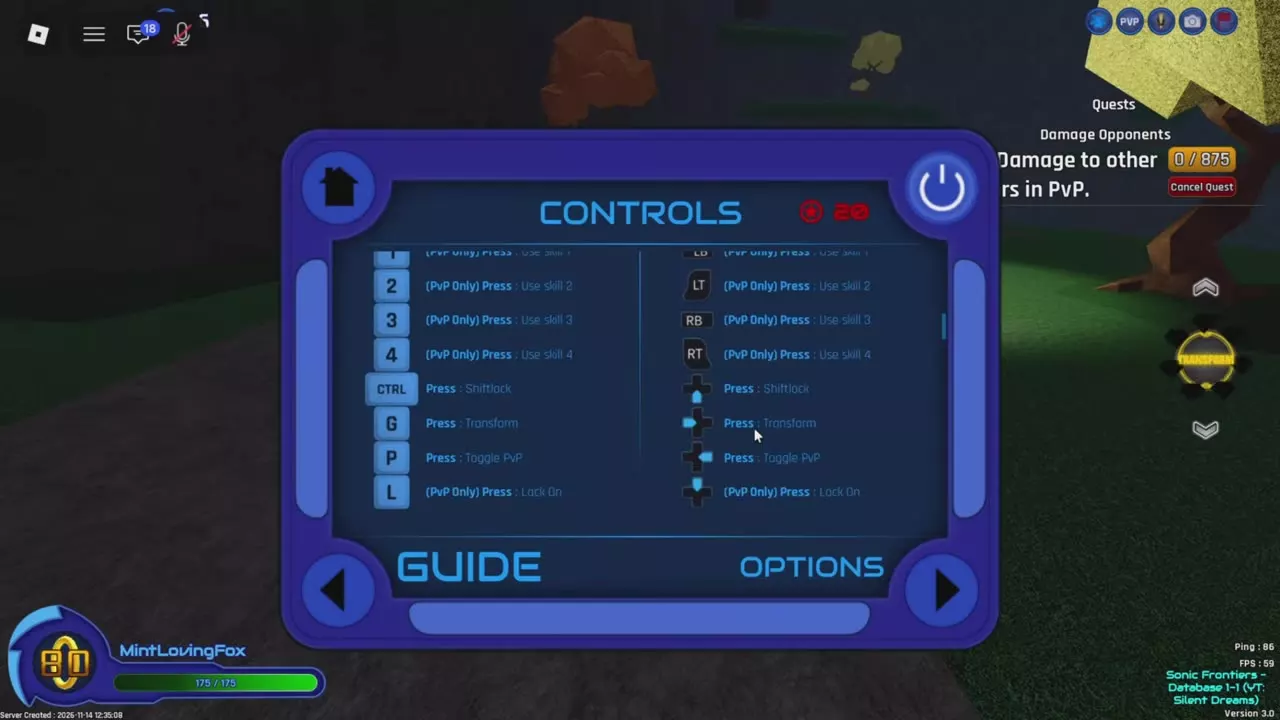
| Skill slot | Keyboard | Controller |
|---|---|---|
| Skill 1 | 1 | LB |
| Skill 2 | 2 | LT |
| Skill 3 | 3 | RB |
| Skill 4 | 4 | RT |
These are the controls before custom rebinding. Match the input to the active skill bar; the order of move names in the directory does not assign their skill slots.
If you assign RT to Boost, Skill 4 loses that binding. Give Skill 4 another input, such as X, before using it again. The controls and keybinds guide covers the rebinding procedure.
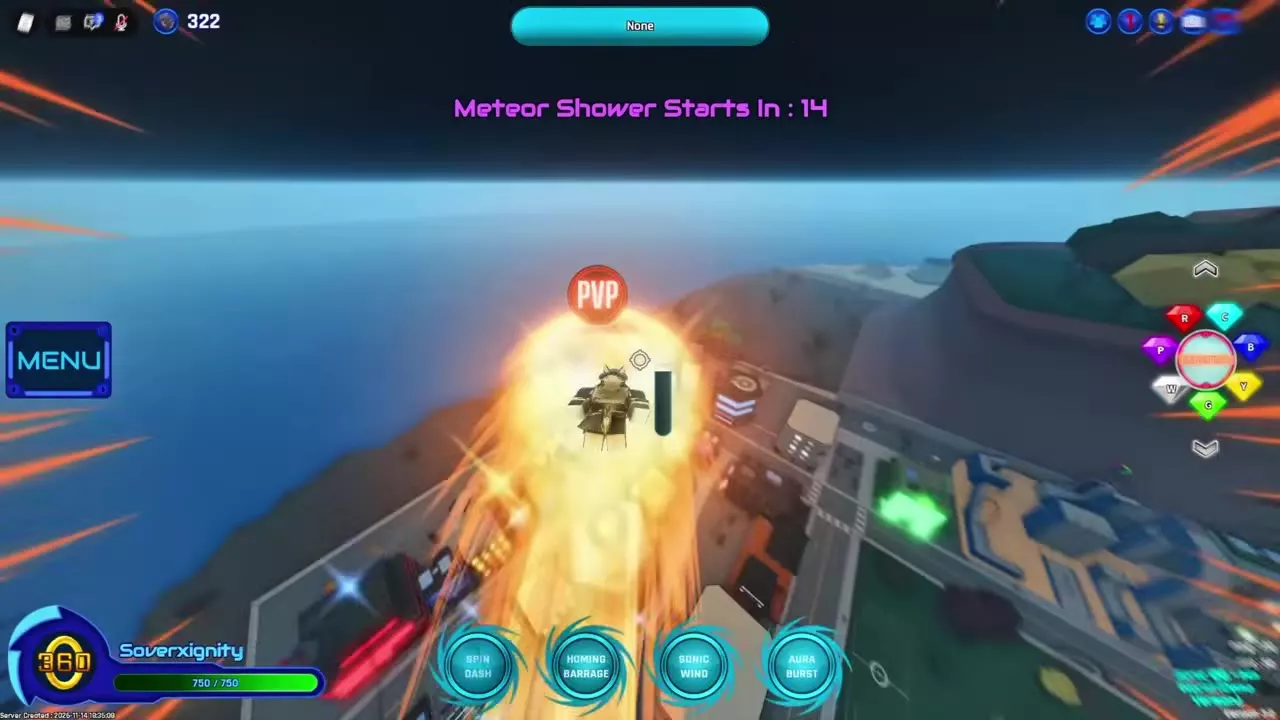
Hyper move effects and the base-form Heavy Stomp counter.
5 objects
|
|
Glowing-ball dash Hyper Form | Target-location arrows | — |
|---|---|---|---|
|
A combat move that turns the character into a glowing ball and propels them forward. Target-location arrows distinguish it from Heavy Stomp.
TipsUse the target-location arrows to recognize Spin Dash. In base form, time Heavy Stomp against the incoming attack. |
|||
|
|
Rotating rings and star effects Hyper Form | — | — |
|
A combat skill that produces rotating rings, flashes and star effects around the character in Hyper Form. Boost is disabled during its use.
TipsWait for Sonic Wind to finish before using Boost. |
|||
|
|
Cyan glow and blue-white burst Hyper Form | — | — |
|
A combat skill in the Hyper moveset. It creates a cyan glow followed by a large blue-white burst effect.
|
|||
|
|
Ring of golden glowing orbs Hyper Form | — | — |
|
A combat skill available in base, Dark and Hyper movesets. In Hyper Form it creates a ring of golden glowing orbs around the character.
|
|||
|
|
— | — | 4 In PvP |
|
A PvP move accessed through the fourth move slot. In Base Form, good timing lets it counter Spin Dash.
TipsIn a moveset containing Heavy Stomp, activate its fourth-move binding. Use base-form Heavy Stomp with good timing to counter Spin Dash. |
|||
Transformation healing and skill restrictions
When transformation restores health
Transforming does not fully heal you while PvP is enabled or combat is active. Health instead uses a multiplier of base-form health.
For a full transformation heal, both conditions must be met:
- PvP is disabled.
- You are outside combat.
Changing forms during a fight therefore does not provide a full health reset.
When skills and movement are restricted
- Transforming or sitting: skills are unavailable. Finish the transformation and stand up before activating one.
- Using a skill in midair: free movement is restricted. Plan your position before activating the skill.
- Using Sonic Wind: Boost is disabled until the move finishes on servers with the November 28, 2025 patch.
The midair movement restriction applies from Version 2.2a onward; the transforming and sitting restrictions apply from Version 2.2g Hotfix 2 onward.
Lock on and manage party invitations
Select a target and reset the camera
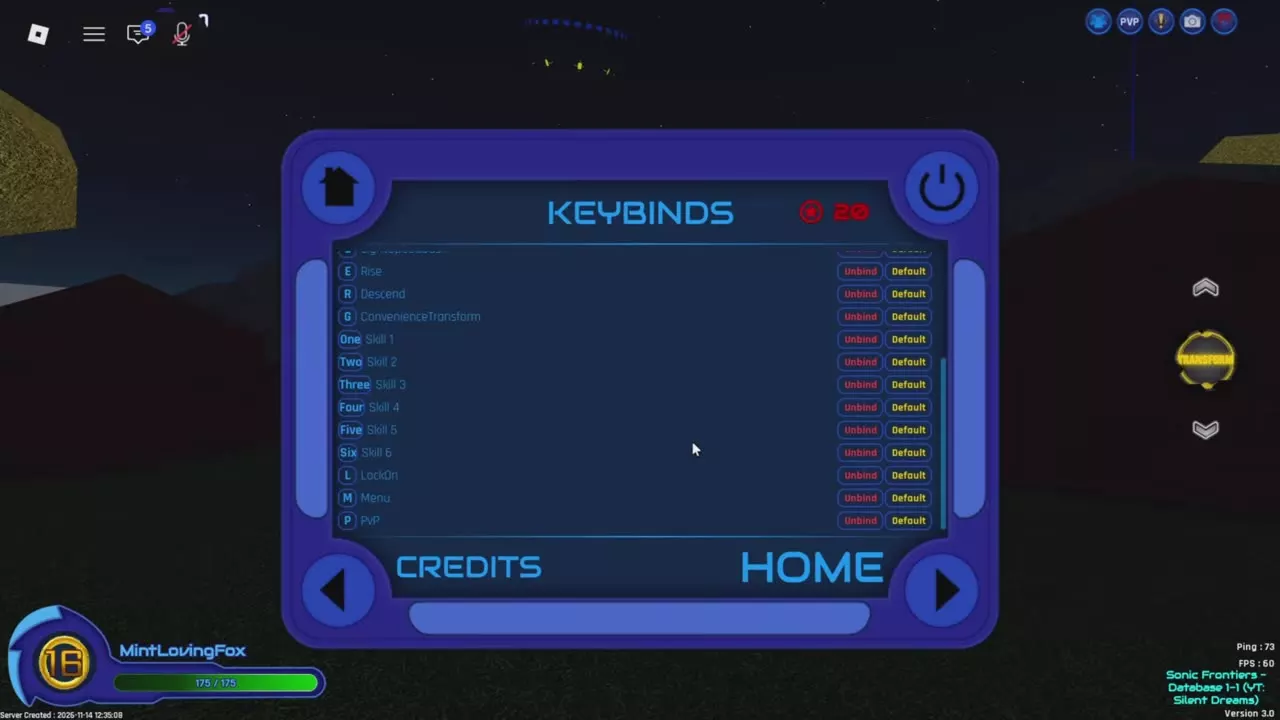
- Open Menu > Keybinds and find LockOn for your device.
- Set your preferred binding. The keyboard layout assigns L.
- Press the assigned input to lock on to the closest target outside your party.
- Lock on to that same target again to restore the normal camera.
Use the controller binding assigned in Keybinds. Older controller layouts used L1 in Version 2.2e and Y in Version 2.2e Mini.
Disable incoming invitations
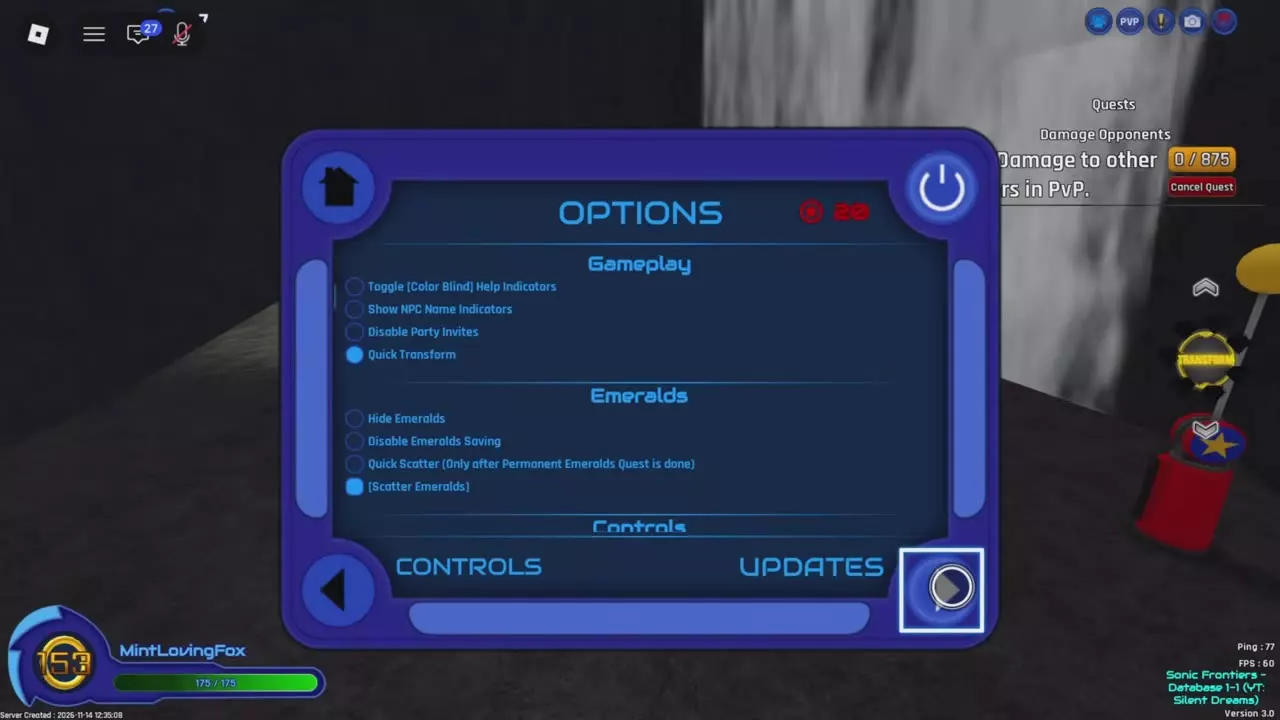
Open Menu > Options > Gameplay and enable Disable Party Invites to stop incoming party invitations.
Recognize and counter Spin Dash
Look for arrows indicating the target’s location to distinguish Spin Dash from Heavy Stomp.
In base form, time Heavy Stomp against the incoming Spin Dash to counter it. Timing matters: activating Heavy Stomp alone does not guarantee a counter.
For a moveset containing Heavy Stomp, enable PvP and use its fourth-move binding. Hyper has its own skill bar, including Aura Burst; use the move shown in the active bar rather than treating every form’s fourth move as Heavy Stomp.
Cooldown feedback
After using a Hyper skill, its button turns gray and displays a countdown. Wait for the countdown to finish and the button to become available before activating that move again.
The number on a grayed-out button is the remaining cooldown, not the move’s full cooldown duration. Watch the button for the specific skill you want to reuse.
Forms and PvP Scrap objectives
- Compare transformation requirements in the Super, Dark and Hyper form directory.
- Follow the Hyper unlock guide to obtain the form needed for the Hyper moveset.
- Use the Scrap guide for the Damage Opponents quest and its player-damage objective.